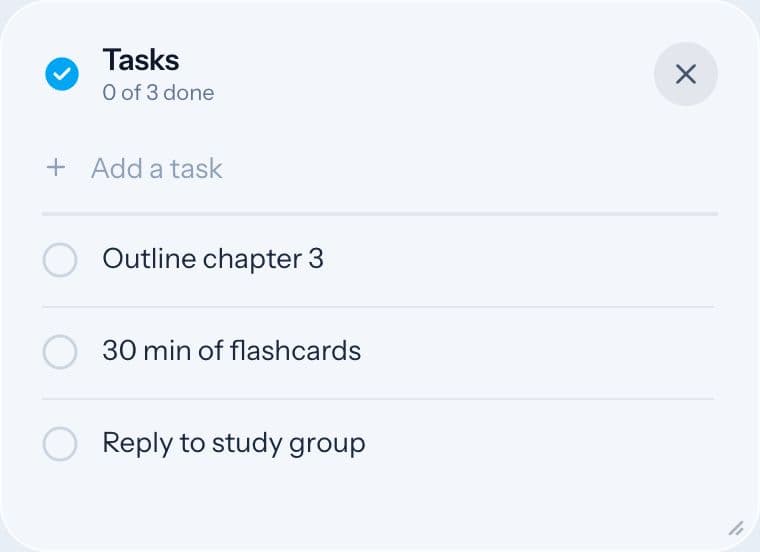
Tasks and Notes keep what's on your mind out of your head while you work.
Tasks
Open Tasks from the dock. Type in the line at the top and press Enter to add a task. Click a task's text, or its circle, to tick it off.
Keep the list to today.
Free accounts can keep up to 5 tasks at a time. The Focus plan removes the limit.
Notes
Open Notes from the dock for a sticky-note pad. Use it for anything that isn't a task: a thought to come back to, a formula, a link, a question for later. Pick a pad color you like from the top of the note.
Keeping them
Sign in with Google or an email link to keep your tasks and notes on any device.
A simple way to use both
- At the start of a session, add the 2 to 4 things you want to finish.
- When a stray thought pops up mid-round ("email the tutor"), write it in Notes and get back to work.
- At the end, tick off what's done and move anything still important to tomorrow.